
Introduction guide: Messages
The messages module lets you send an internal text message to one or more users, regardless of whether they are currently logged in. The messages module is a tool for handling internal communication without e-mails, so that information can be exchanged more flexibly and quickly.
Settings
In the settings (top right) on the home page you will find the options for setting the behaviour.
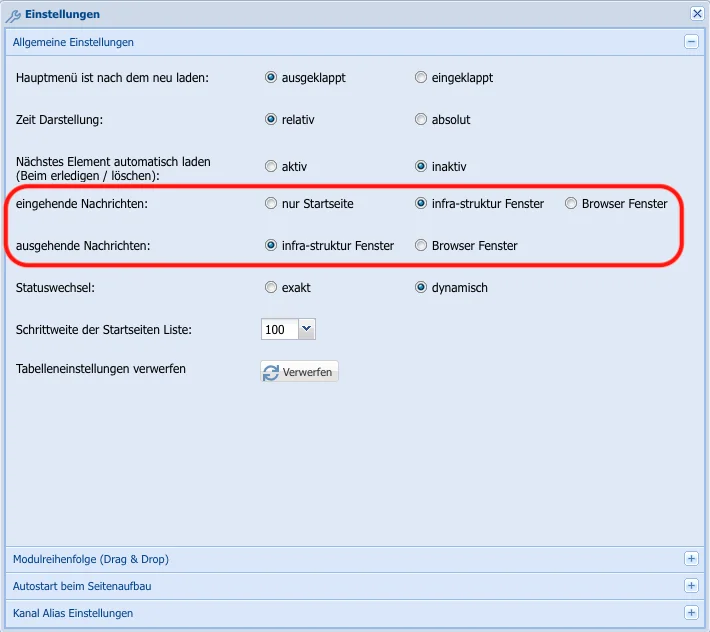
- incoming messages
Here you can decide whether messages should appear in a real browser window (disadvantage: slower; advantage: can be placed over other programs), in the internal infra-struktur window (advantage: fast; disadvantage: can only be moved within infra-struktur) or “nur Startseite” (home page only). The last option does not create a window for the user at all; new messages appear as a new row with a red dot on the home page and you are disturbed less.
- outgoing messages
Here you can decide whether you want to use a fast internal window or a proper browser window for writing a message.
Taskbar
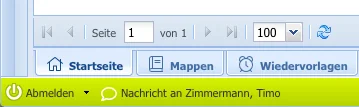
Messages that you receive or write can be placed in the infra-struktur taskbar using the familiar icon at the top right, so that you can carry on with other things first. For incoming messages, further messages are prevented from popping up until this message has been read or kept.
Group message
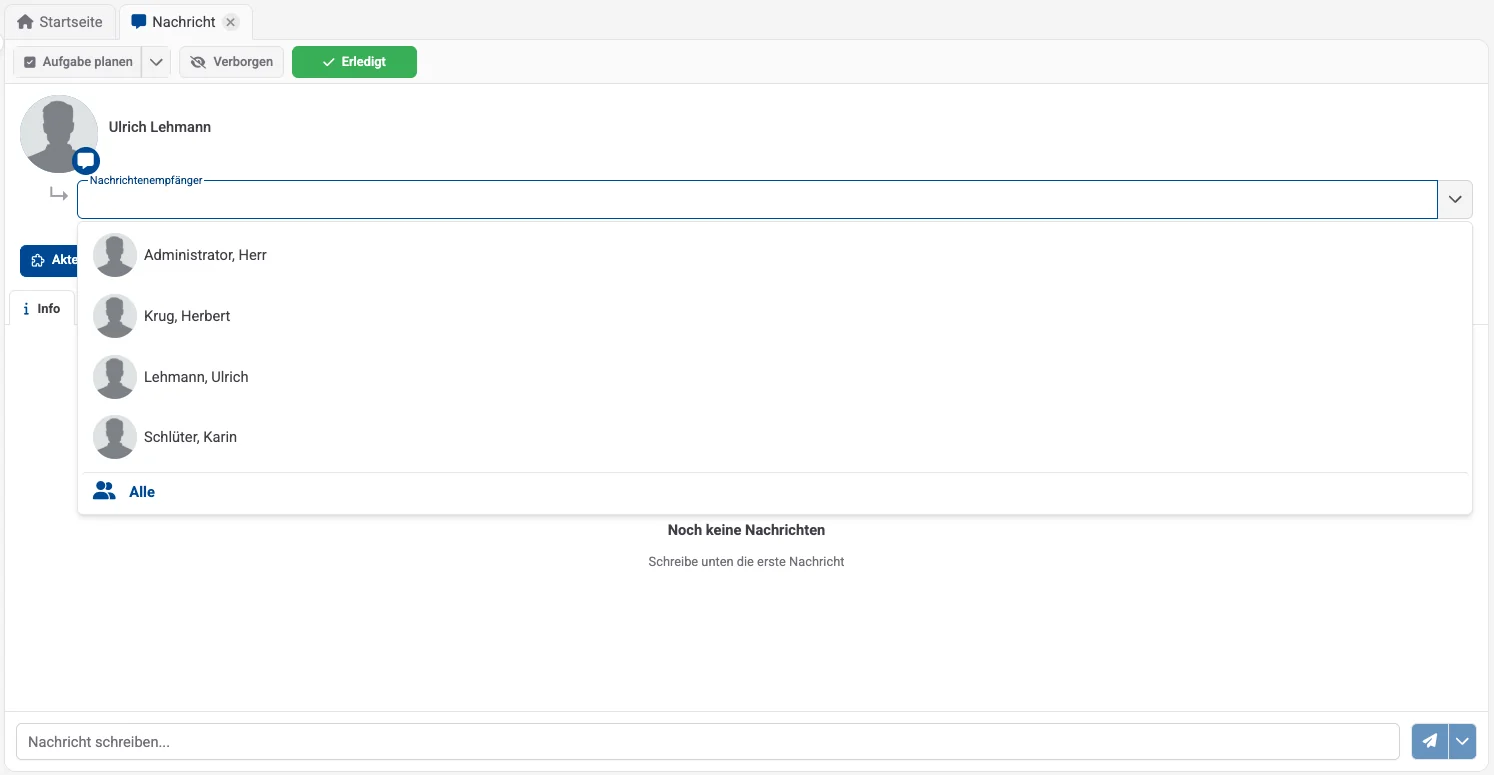
With the Gruppennachricht (Group message) button at the top of the window bar you enable sending a message to several recipients.
You select the recipients in the Nachrichtenempfänger (Message recipients) field. In addition to the individual users, you will also find the entry Alle (All) there.
Send and keep
The buttons at the bottom, Senden (Send) and Senden und merken (Send and keep), send the message; with “merken” the message stays yellow on the sender’s home page so that they can keep an eye on it.
Incoming message view
When you receive messages, you can use the small toggle button to switch the history and the reply field from vertical to horizontal.
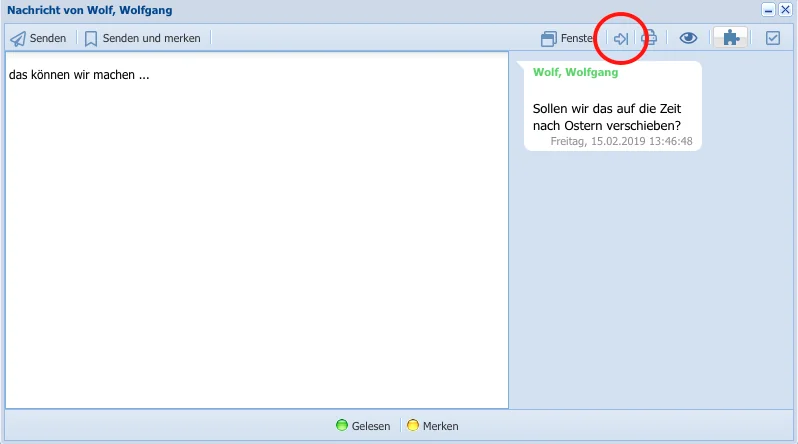
Browser window
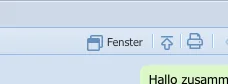
If you need to, you can open the “internal infra-struktur message window” “out of infra-struktur” as a real browser window and so “free” it.