
From now on you can open a text editor as a notes field within infra-struktur, to store, remember or temporarily save information “quickly” and easily.
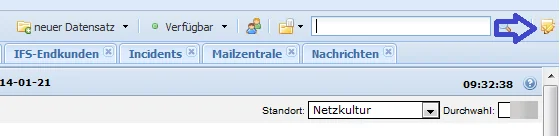
You open the notes field via the yellow icon at the very top right in infra-struktur:
You can set the size you want using the slider at the top right of the editor; the size is kept.
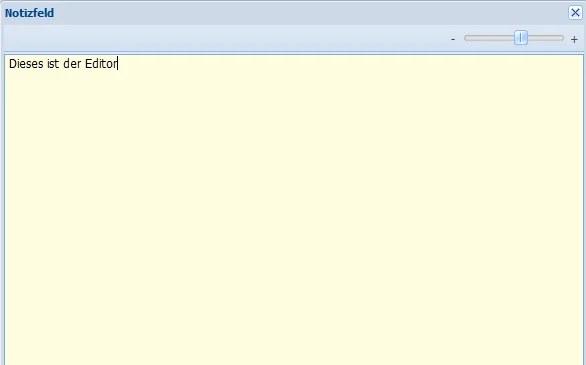
infra-struktur saves the content of the notes field automatically; you can close it via the x at the top right.
Alternatively, you can open and close the notes field with the key combination Ctrl + 0 (numeric keypad).
Tip: the notes field works without formatting, so it is handy for removing formatting.