
As always, shortly after the update of the classic infra-struktur, the app and the Smart version (desktop version) are getting an update too.
General
- Use the fresh app view as a desktop version too. Simply log in here with your normal infra-struktur login details: https://infra-struktur.app
- The timer function works exactly as in the classic version. So you can start a timer at your workstation and stop it later on your phone when you are out and about.
- Lots of small improvements and optimisations have made it into the app over the past few months.
- In the higher resolution for the tablet and desktop version, the last positions stay saved even when you click back and forth between modules. Unsaved information is kept as well.
- The open tabs can be managed by right-click.
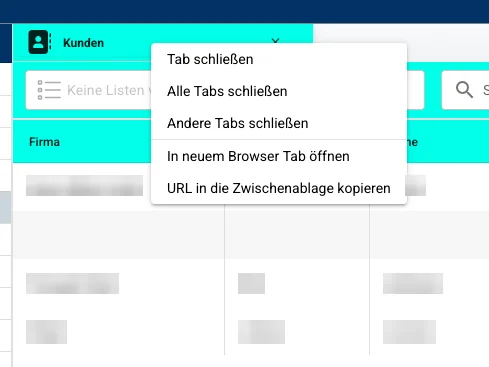
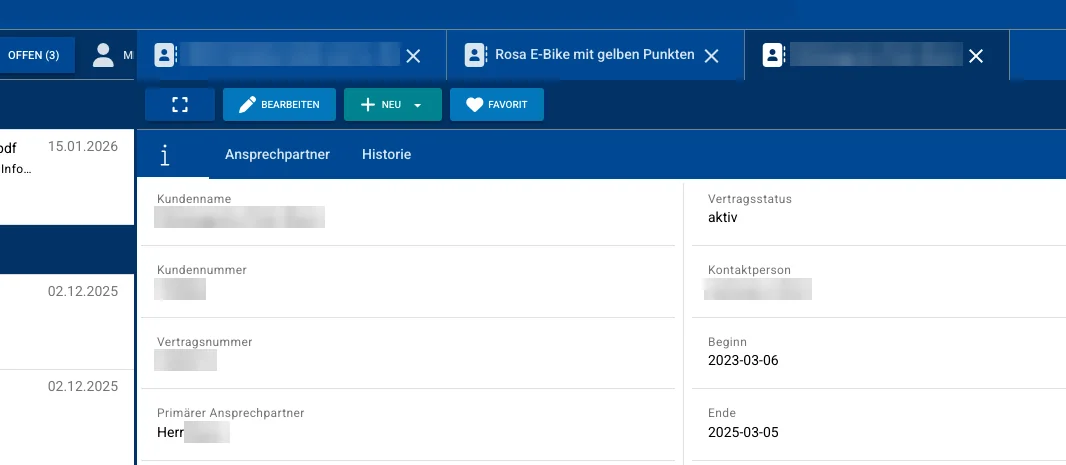
- In many places you can now also open several pieces of information at once in tabs, for example several records, as here.
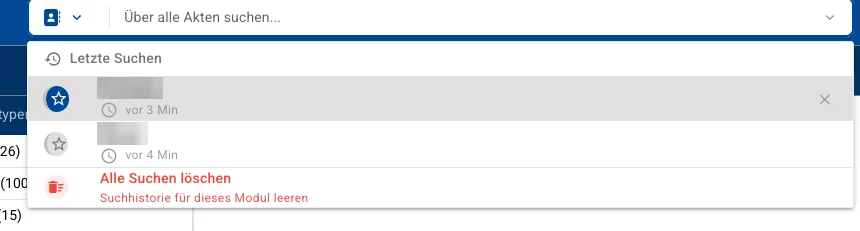
- The various searches in the system now also remember the search history, and an earlier search can be selected again very quickly.
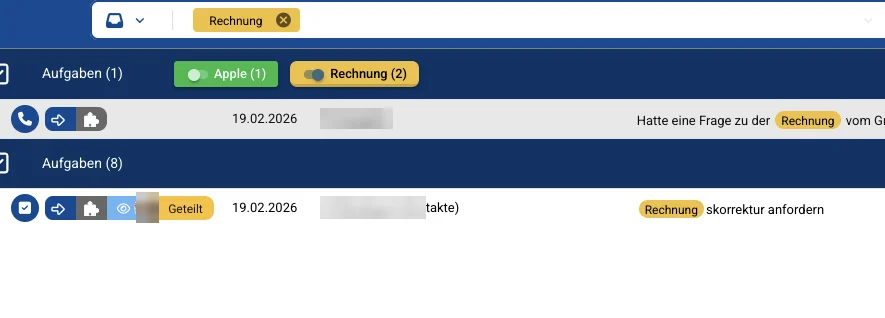
- On the home page you can also save a search as a shortcut. This lets me activate a filter with a single click.
Digital records
- There were many small optimisations and bug fixes here.
- The relationships tab is now available here too.
Mail centre
- Here you now also find a settings button behind which you will find the familiar rule functions, such as auto-delegation. So you can now activate it quickly on the plane to your holiday.
- When replying to a mail, the default template is now used too.
- The display of mails has been improved.
Notes
- Notes now also have versions and permissions, and the date can be changed.
Calendar
- Recurring appointments can now also be created and edited in the calendar.
Documents
- In the Android version there were sometimes errors when uploading documents. These have been fixed.
Calls
- Calling out no longer simply uses the phone to dial, but exactly the dialling method set in the classic version, for example dialling out via Starface across several devices.
Settings
- Virtual groups can now also be edited on the smartphone.
- The order of the columns in the modules can now be adjusted in the settings.