
A few days after the “big” infra-struktur, the app and the new web version are getting their update too. Lots of features you have come to love in the classic version are now available here too. You will find all the details here:
General
- Since the app always has to match the version of the classic variant, there was always a timing problem with an update when the app already had the update but the classic version did not yet. We have now built in a “switch” so that you are always on the right version.
- Going back from an activity to a list now keeps the scroll position. Sounds complicated, but it just means less swiping.
- Passkey login now also works in the browser.
- The Kanban boards can now also be used in the web version.
- Task and appointment alarms are now also available in the web version.
- Overall, the behaviour of alarms has been improved and made more stable.
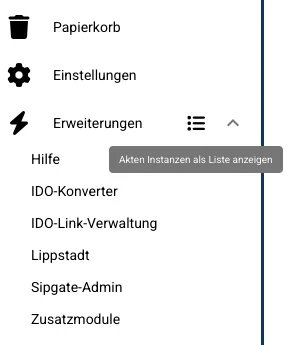
- infra-struktur likes to integrate third-party external content. This is shown collected under “Erweiterungen” (extensions) and can now also be displayed directly as a list without separate menu items.
- The share function from the media library works again. So if you want to upload a photo not in the app but from your smartphone’s media library, you can do that again with the share function.
- Until now, the instance name had to be entered quite precisely when logging in. Now it does not matter whether it says just “demo” or “demo.infra-struktur.eu” or even “https://demo.infra-struktur.eu”.
Digital records
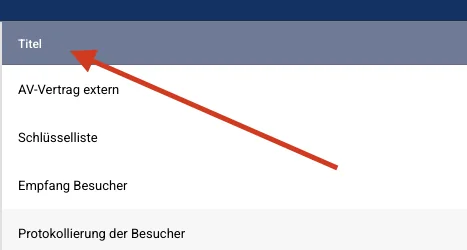
- In high resolution, the columns of a record list can now also be sorted. Simply tap the column header at the top.
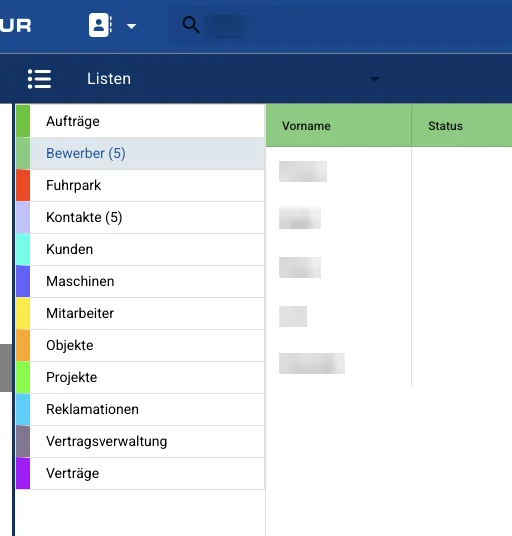
- In high resolution, the search at the top has been expanded into a workspace search that lets you switch quickly between modules and, in the digital records, also delivers search results broken down by record type. Roughly as you know it from the classic version.
- Links in the digital record no longer explicitly need https:// in front. Simply netzkultur.de is now enough.
Mail centre
- The function to physically copy a mail into another mailbox can now also be used in the app. A practical case is, for example, importing a mail into a mailbox that is connected to a ticket system or that passes invoices on to the tax adviser, and so on.
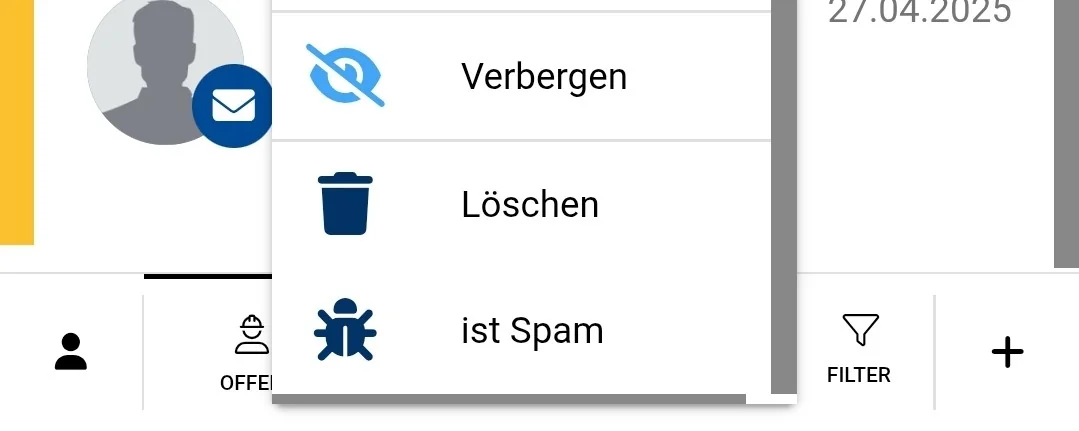
- You can now mark mails as spam in the app too. In the opened mail, but also in the context menu when you tap the mail with your finger a little longer.
- Mail notifications now ignore mails that have already been marked as spam.
- Resending an outgoing mail is now also available in the app.
- Perhaps you had difficulties the first time you clicked “Antworten” (reply) on a mail. That now runs smoothly.
Call list
- Calling out by clicking a phone number now also works in the app and on the web. On the web via the same methods as in the classic version. On your smartphone you are offered a choice of which app you want to call with.
- The names shown always come from the so-called phone book. You can now also open and edit it in the app.
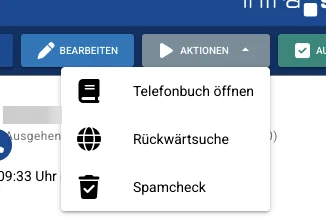
- The reverse lookup via Das Örtliche and the spam check with Tellows are now in the app too.
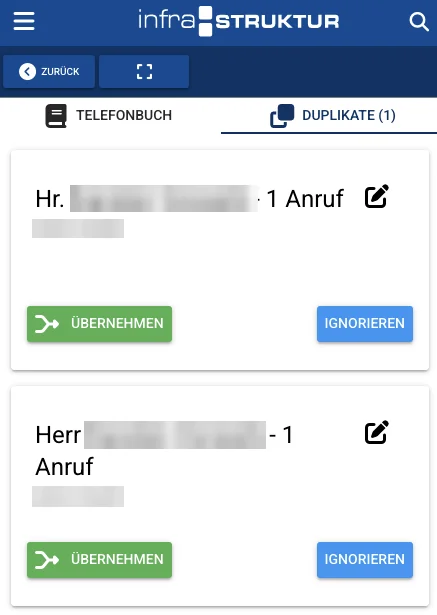
- In the phone book in the app there is also a “Duplikate” (duplicates) tab. It always shows when two entries somewhere in the system probably mean the same contact. By clicking “Übernehmen” (apply) you can then mark the entry as correct and the duplicate is resolved.
- Some calls could not be edited completely (for/from were missing). That now always works.
- Outgoing calls sometimes showed information from previous calls. That is fixed too.
Documents
- Documents can now also be versioned in the app.
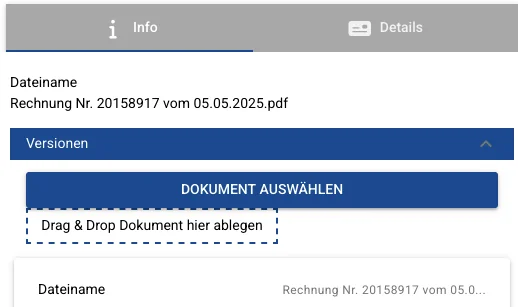
- When uploading a document, you can now also choose which storage location it is uploaded to.
- As in the classic version, documents are now made visible as soon as they have been linked to a digital record.
Messages
- A problem with preselecting a user has been fixed.
Calendar
- There was a bit of a muddle when selecting users. That now works as it should.