Cloud backup – play it safe
Protect your company data and set up a professional cloud backup that keeps your business secure.
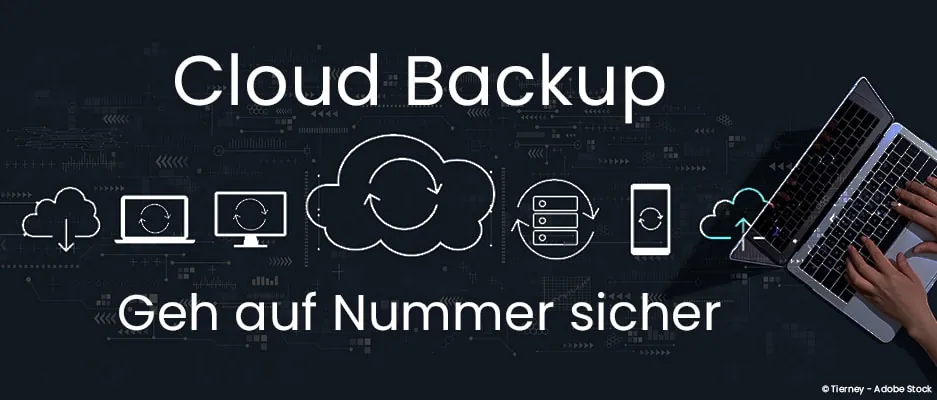
Digitalisation may have helped you cut costs drastically and streamline your workflow, but it also increases the risk of your data literally vanishing into thin air. Thanks to cloud backup systems, however, you can be sure that your company data is securely protected.
Whether you are worried about hardware or software failures, a cloud backup service gives you security. Because your company data is stored securely at a remote location, you can always access it, even if the unthinkable happens at your physical business premises. Online backup providers (opens in a new tab) store customer information on encrypted servers, so you can trust that it is protected from hackers.
Many small business owners switch to cloud backup services mainly because it means they no longer have to keep media in stock. They do not have to worry about having enough hard drives or tape cartridges when all their data is backed up over a network. This also lets the staff in the IT department make time for more important tasks than taking inventory of backups.
Although these benefits may seem obvious, cloud backup systems (opens in a new tab) offer a further range of advantages. The improved accessibility, automation and scalability of backup systems (to name just a few) are effective ways in which a backup system can protect the most important data and processes in your company.
Accessibility and convenience
Most importantly, the cloud backup service can guarantee your employees access to important data at any time of the day or night. Restoring files from physical backups can be quite laborious and time-consuming. Even if your IT department has made sure that all storage media are kept in a single place, it usually has to search through each of them individually to restore a single document.
Companies that rely on data backup in the cloud never have to do this.
All their files are stored in a single central digital archive (known as a repository) that they can access from anywhere. Some cloud backup services offer browser-based portals that give you the freedom to transfer data to and from your storage space with any device, without ever having to install an app. You can get started as long as you have valid access credentials for your company data.

Accessing backups stored online is so easy that anyone with basic computer skills can do it. None of your employees has to be trained to use a particular utility. They simply select the backups they want to save and an online portal takes care of the rest of the data backup. In some cases, individual users may not even have to remember to back up their data, because their backup does everything for them, completely automatically.
Backup automation
A number of popular cloud backup solutions (opens in a new tab) give administrators the option of configuring an automatic schedule. There are several reasons why someone might prefer this to copying files manually. For example, a company may want to make sure that all its locally stored documents (opens in a new tab) are synchronised with a remote server every hour. The backup utility checks which changes have been made since it last uploaded files to the storage repository, i.e. the company’s central data store. If it finds newly created documents, it makes remote copies of them and leaves the local versions untouched.
Files that have been edited since the utility last ran are also backed up. Some data backup apps keep additional copies of edited documents, which gives your employees the freedom to go back to an earlier revision if they have messed something up while editing. Particularly tech-savvy users can use this as a basic form of version control.
Most people do not make backup copies nearly as often as they should. Even people who care about regular backups are often overtaken by their daily routine and find no time for it. Using an automated cloud storage service makes sure that you do not lose your work, even if something completely unexpected happens.
Cost factor and scalability
Not only can physical media be very expensive, there is also always the risk that they wear out and destroy the backups in the process. Many smaller companies are not even sure how many storage media they should buy. IT departments often order far more material than they will ever use, which can put a heavy strain on the budget. Using an online backup service takes the guesswork out of the equation. Subscriptions are generally billed on the basis of how much the service is used. This means you never pay for more storage space than you really need. Larger corporations can invest in an unlimited cloud backup drive that allows their IT department to move as much data to the cloud as it likes.
Cross-platform support
Most local backup programs only work with a single operating system. Although countless companies do most of their work on mobile devices, developers continue to focus on desktop software. Some desktop users may not be kept up to date if they use a platform that is not widely supported.
Instant off-site storage
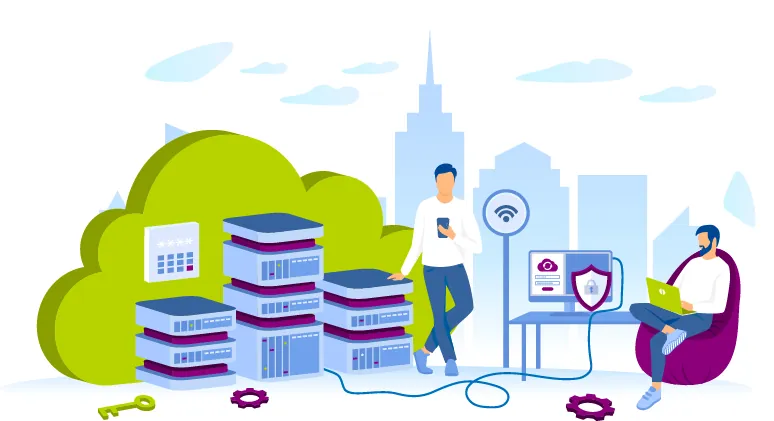
Experienced computer professionals strongly recommend that business owners keep a complete set of backup copies at an external location. This ensures that the documents remain accessible even in the event of a fire or another disaster. However, moving physical copies to another location is usually difficult and expensive, so in practice only a few companies do it. Cloud providers for backups distribute copies of the backups across servers in several locations. So you can be sure that you will have access to your data even in a fairly serious disaster.
Another advantage of using cloud backups (opens in a new tab) for companies is that they are protected against Trojans. Even if your local computer is infected, online backups are not damaged.
Choosing the right service for your company’s needs
Choosing the best online backup (opens in a new tab) for your specific requirements is not a difficult task. If you are not backing up your data at the moment, any service is better than the status quo. It is well known in the cloud backup services industry that up to three quarters of all businesses will sooner or later suffer considerable data loss because they have not taken the necessary precautions or because they rely on outdated backup systems. Once you have backed up your files in the cloud, you are ready for all the challenges of the future.